
Getting Started: Digital Art for Beginners

Digital art has become a popular and accessible form of creative expression. Whether you want to create stunning illustrations, concept art, or just have fun experimenting with colors and shapes, starting digital art can be an exciting journey. This guide will walk you through the essentials to help you begin your digital art adventure with confidence.
Starting Digital Art: Tools and Equipment You Need
Before diving into digital art, it’s important to have the right tools. The good news is that you don’t need to spend a fortune to get started. Here are the basic tools and equipment you should consider:
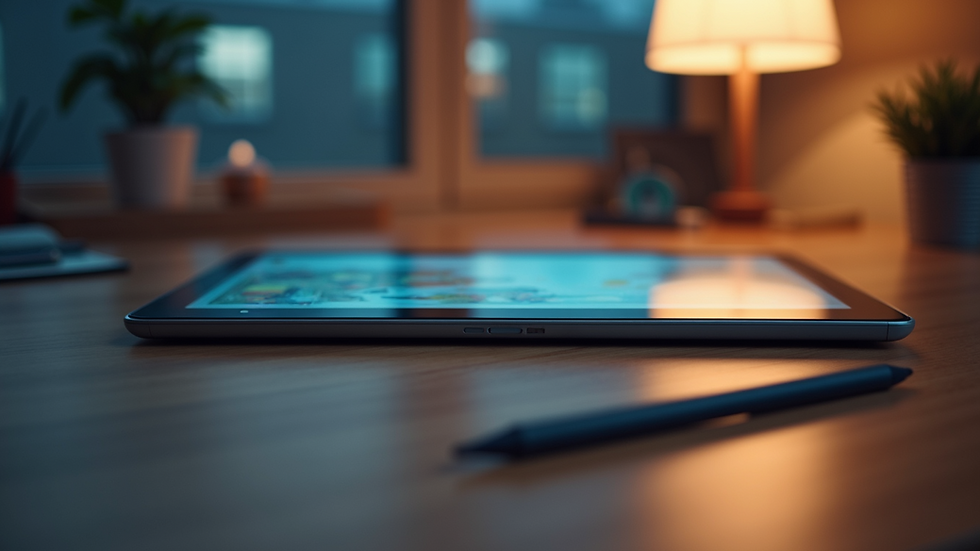
A Computer or Tablet: A desktop or laptop with decent processing power works well. Tablets, especially those designed for drawing like the iPad Pro or Wacom tablets, offer portability and a natural drawing experience.
Drawing Software: There are many options available, from professional-grade programs to free apps. Choose one that fits your budget and skill level.
Stylus or Digital Pen: For precision and control, a stylus is essential. It mimics the feel of traditional drawing tools.
A Comfortable Workspace: Set up a space with good lighting and a comfortable chair to avoid strain during long sessions.
Starting with these basics will set a solid foundation for your digital art practice.
Understanding the Basics of Digital Art Creation
Digital art combines creativity with technology. To get started, you need to understand some fundamental concepts:
Layers: Think of layers as transparent sheets stacked on top of each other. They allow you to work on different parts of your artwork independently.
Brushes and Tools: Digital art software offers various brushes that simulate pencils, inks, paints, and more. Experiment with different brushes to find your style.
Color Theory: Understanding how colors interact helps you create visually appealing art. Learn about complementary colors, contrast, and shading.
Resolution and Canvas Size: Choose the right canvas size and resolution based on your project. Higher resolution means better quality but larger file sizes.
Practice these basics regularly to build your skills and confidence.
What is the Best Free App for Digital Art?
For those just starting, free apps can be a great way to explore digital art without financial commitment. Here are some of the best free apps to consider:
Krita: A powerful open-source painting program with a wide range of brushes and tools. It’s great for illustrators and concept artists.
MediBang Paint: Lightweight and user-friendly, this app is perfect for comic artists and beginners.
Autodesk SketchBook: Offers a clean interface and professional-grade tools, suitable for sketching and painting.
Ibis Paint X: Popular among mobile users, it has many features and an active community.
Try a few to see which one feels most intuitive and enjoyable for your workflow.

Tips for Improving Your Digital Art Skills
Improvement comes with practice and learning. Here are some actionable tips to help you grow as a digital artist:
Practice Daily: Even short daily sessions help build muscle memory and creativity.
Use References: Study photos, real objects, or other artworks to understand shapes, lighting, and anatomy.
Join Online Communities: Platforms like DeviantArt, ArtStation, or Reddit offer feedback and inspiration.
Watch Tutorials: Many artists share free tutorials on YouTube covering techniques and software tips.
Experiment with Styles: Don’t be afraid to try different styles and subjects to find what you enjoy most.
Save Your Work Often: Digital art can be lost due to crashes, so save frequently and back up your files.
By following these tips, you’ll see steady progress in your art.
Exploring More About Digital Art for Beginners
If you want to dive deeper into the world of digital art, consider exploring resources and communities dedicated to helping newcomers. For example, digital art for beginners offers valuable insights, tutorials, and inspiration to guide you through your creative journey.
Remember, digital art is a skill that anyone can learn with patience and practice. Embrace mistakes as part of the learning process and enjoy the freedom that digital tools provide.
Keeping Your Creative Momentum Going
Starting digital art is just the beginning. To keep your creativity flowing:
Set small, achievable goals for each session.
Participate in art challenges to push your limits.
Share your work to get feedback and encouragement.
Keep exploring new tools and techniques.
The more you engage with your art, the more rewarding the experience becomes. Your digital art journey is a continuous adventure filled with discovery and growth. Keep creating and have fun!


Comments